A unique URL
After you subscribe, you get a private address. Open it in a modern browser. That tab is your FlightAbove. Updates stay on the same address.
What FlightAbove can do
LED Wall Live aircraft LED display. Track one flight. TV, Mini or Altitude. Flight Tracker Display What a dedicated aircraft display is, vs apps and DIY. Live flight alerts Squawks, military, watchlist. The screen lights up. Recent squawk alerts Squawk 7500, 7600 and 7700, with photo and place. On-screen controls Press and hold the screen to change faces, flights and alerts.Products
FlightAbove Mini FlightAbove Altitude FlightAbove Horizon FlightAbove Connect FlightAbove CloudFeatures
LED Wall Flight Tracker Display Detection Customising Live flight alerts Recent squawk alerts On-screen controls Bays FlightLogAbout
About FlightAbove Quality and finish Pricing Gifting Christmas gift How it works Community FlightLogsFlightAbove Cloud is a subscription. You do not buy a display from us. Subscribe, get a unique URL, open it on a laptop, tablet or television you already have. Callsign, tail, airline, type, a photograph, the route, altitude and speed. Clock and weather when the sky is quiet. LED Wall if you want the board look. Nothing to install. All managed via your dedicated dashboard. From £3.99 a month.
This page explains what Cloud is, how the URL works, and when hardware is the better buy. Plans and checkout live on the Cloud product page.
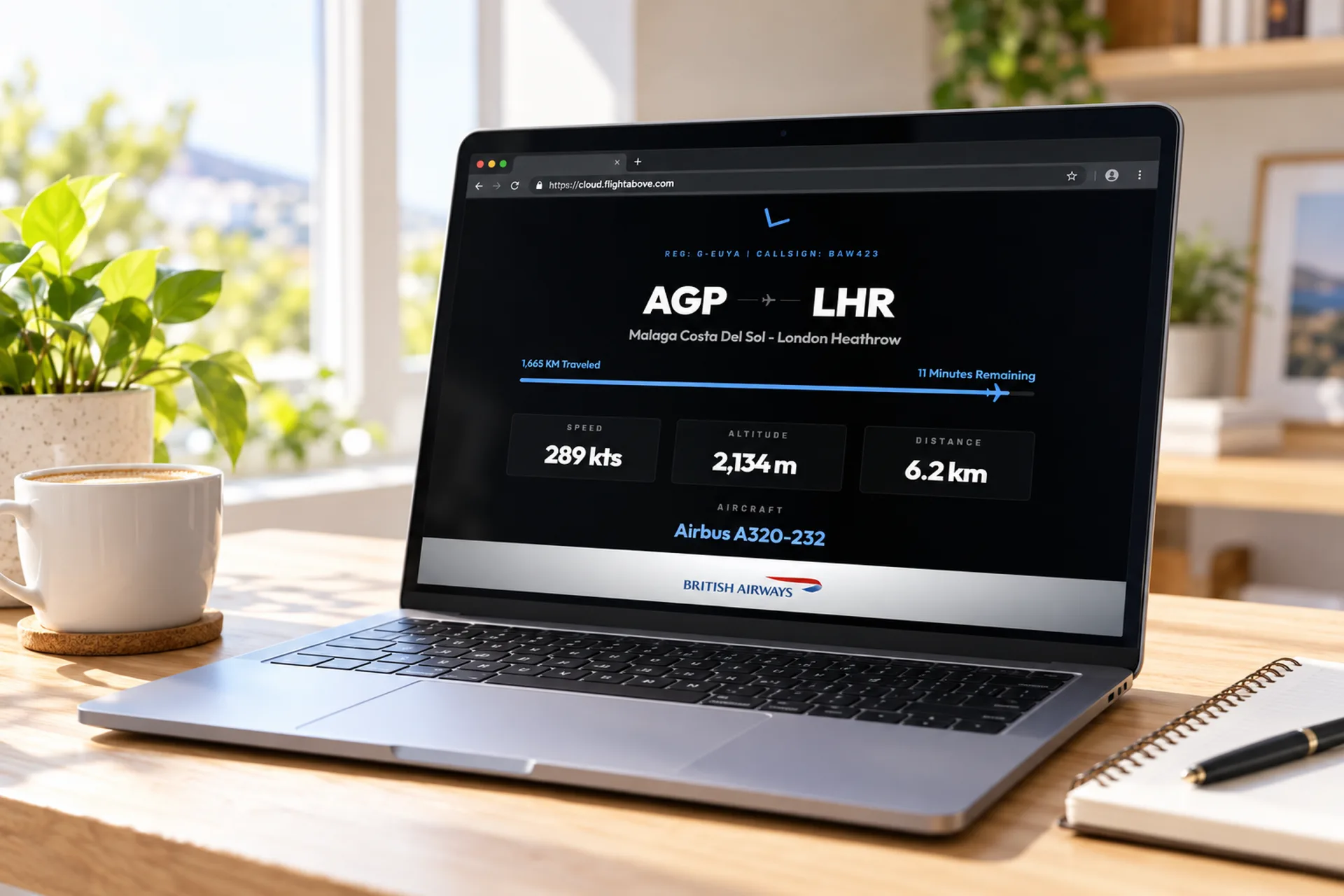
Mini, Altitude and Connect are objects we build and ship. Cloud is not. It is the same live sky, delivered as a page you already know how to open.
After you subscribe, you get a private address. Open it in a modern browser. That tab is your FlightAbove. Updates stay on the same address.
There is no display in the post. No case. No cable from us. You keep the laptop, tablet or television you already like.
Live ADS-B, lock-a-flight, ISS look-up, faces, filters, LED Wall. FlightLog sits in your dashboard. Nothing is held back because you did not buy glass.
URL
Nothing to install
2d
Free to try
£3.99
A month after that
£40.00
Or billed yearly
There is no image to flash and nothing to download. All managed via your dedicated dashboard.
01
Pick monthly or yearly. The 2-day trial starts immediately and your unique URL is created.
02
On the laptop, tablet, television or spare monitor. Full screen it if you like. Bookmark it so it is always one tap away.
03
Set location, faces and filters from your dedicated dashboard. Live aircraft appear on the device you already own.
Want the checkout path next? FlightAbove Cloud plans
Cloud is for a browser that is already sitting idle. Leave it on a laptop, a tablet, a television, or more than one of those in the same room.
Open the URL, full screen it, leave it running. Callsign, photo, route and remaining time without unlocking a phone.
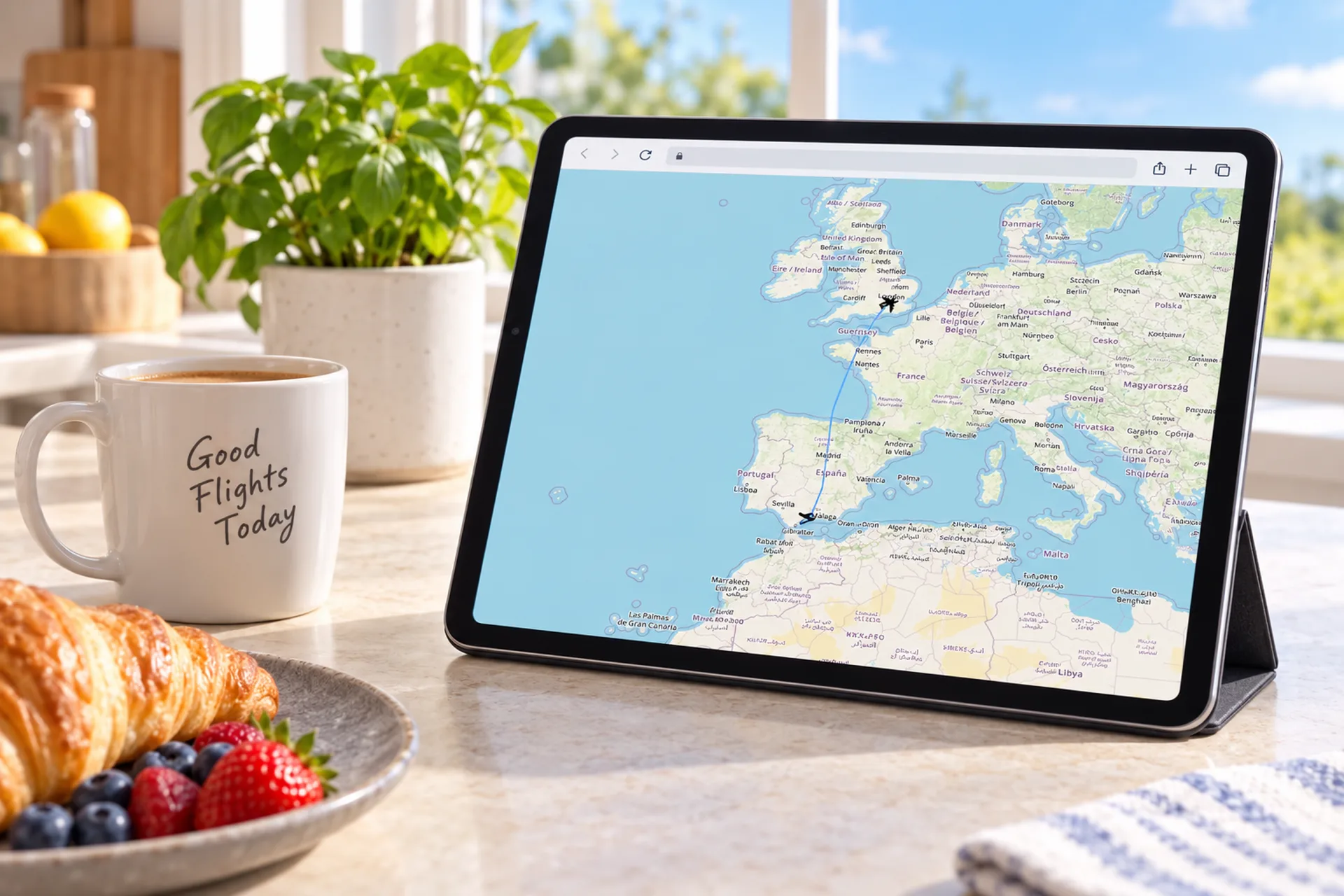
A live route on the tablet you already leave out. Stand it up. The track of what just went over sits next to breakfast.
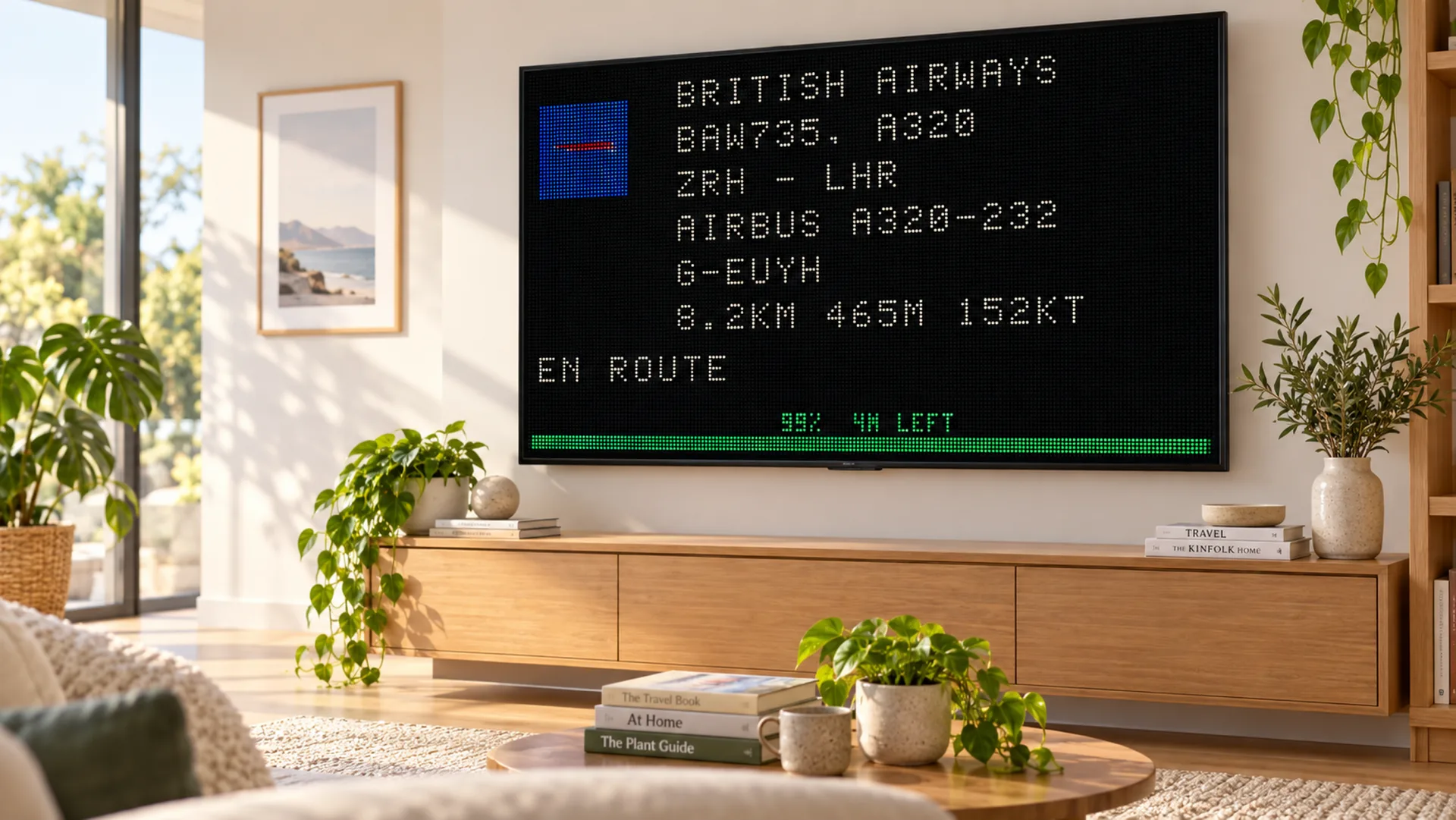
The board look on a TV that is already on the wall. Airline, callsign, type, remaining distance. Switch back to photos and maps whenever you like.
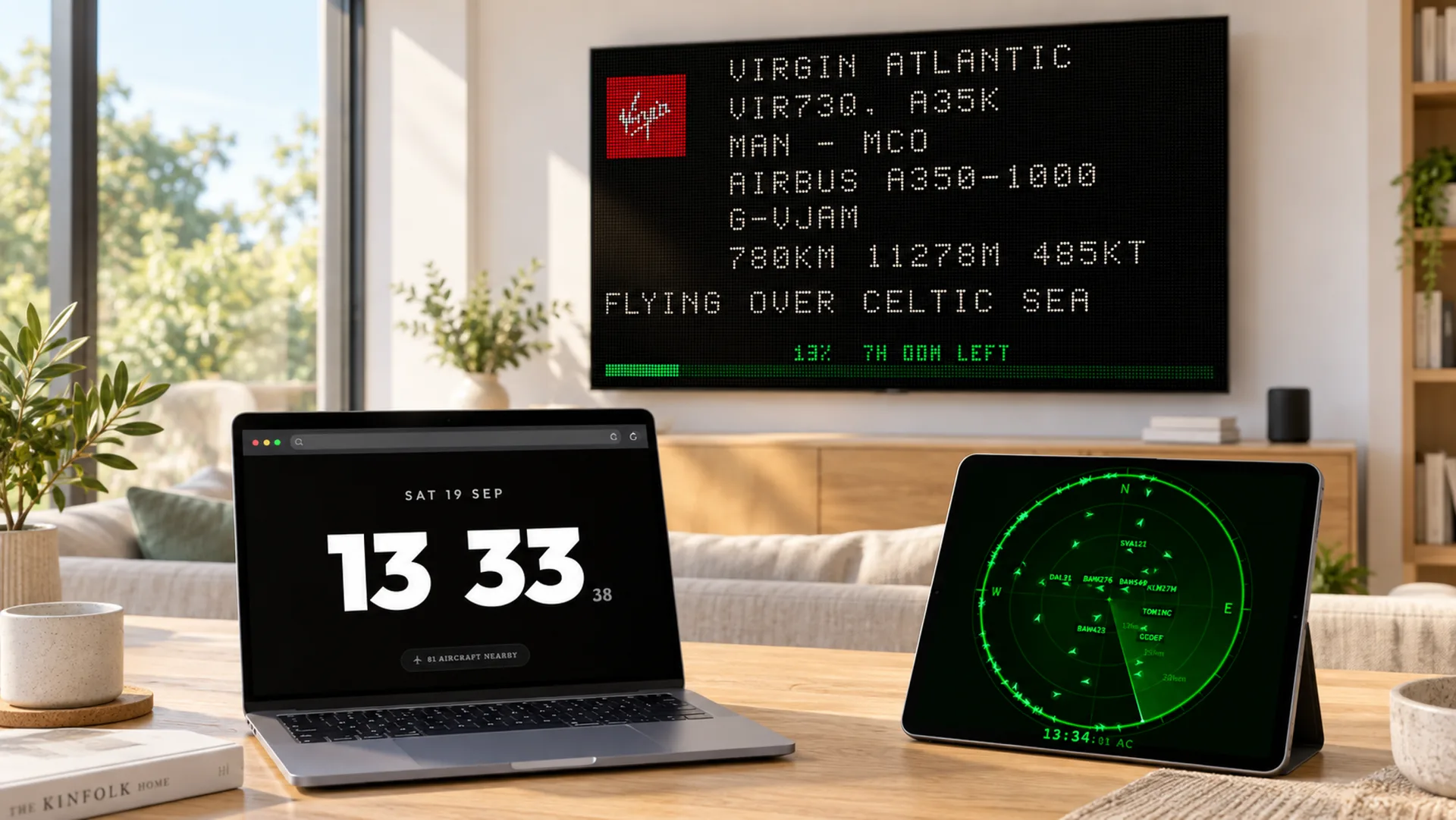
Open the URL where you want it. A clock on the laptop, a radar on the tablet, LED Wall on the TV. All managed via your dedicated dashboard.
Cloud is not a thinner version of FlightAbove. It is the same tracking, laid out so you can read it from across the room.
Same tracking. Different object, different payment. Cloud is the only subscription.
This guide
Unique URL on a laptop, tablet or TV you already own. The only subscription.
Plugs into a TV
Hardware you buy once and plug into a TV or monitor you already own.
Compact dedicated
4″ square all-in-one. A finished object for a tight desk.
7″ widescreen
7″ widescreen all-in-one. Horizon View, and the same alerts and controls as Mini and Altitude.
Desk centrepiece
5″ circular flagship. The one that holds the middle of the desk.
Cloud is the subscription FlightAbove. You do not buy a display from us. Subscribe, get a unique URL, open it on a laptop, tablet, TV or monitor you already own. Same live aircraft, photos, maps, clock, weather, radar and LED Wall as Mini, Altitude and Connect.
After checkout, FlightAbove creates a private address for your display. Open it in any modern browser. Bookmark it, leave it full screen, come back to it. There is nothing to download. Updates arrive on that same URL.
No. Open the URL. That is the whole setup. Location, faces, filters, LED Wall and FlightLog are all managed via your dedicated dashboard.
Anything with a modern browser and an internet connection. A laptop, tablet, spare monitor or television. We do not ship hardware with Cloud.
Yes. Cloud is monthly or yearly. It is the only FlightAbove option billed that way. Mini, Horizon, Altitude and Connect are one-time purchases with no subscription.
Yes. Every Cloud plan starts with a free 2-day trial. You will not be charged today. Cancel before day 2 and you owe nothing.
Connect is hardware you buy once and plug into a TV or monitor. Cloud is a monthly or yearly URL for a laptop, tablet or TV you already look after yourself. Same tracking. Different way to pay and run it.
Mini and Altitude are all-in-one desk displays, paid once. Cloud is a subscription on a screen you already own. Start here, order hardware later if you want a dedicated object. Your account and settings carry over.
FlightAbove is an always-on display, not a map you poke at. It filters aircraft to your location and lays the data out so you can read it from across the room. Clock and weather when the sky is quiet.
Open the URL on the laptop, tablet or television you want to leave running. Faces, filters and FlightLog are all managed via your dedicated dashboard.
Yes. Start with Cloud, then order Mini, Altitude or Connect any time. Your account and settings carry over.
Plans and checkout live on the FlightAbove Cloud product page. This page is the guide.
Still deciding between Cloud and hardware? Ask us · Compare models
Unique URL. Laptop, tablet or TV you already own. Live aircraft from £3.99/month. 2-day free trial. Cancel any time.