
01
Where you are
The place the display sits. That becomes the centre of the picture.
Your window, not the planet
Window detection keeps the screen to the sky outside your house. You set where you are, which way you face, and how far to look, once. FlightAbove then shows the aircraft you could actually see.
The wider story of how planes announce themselves is on how aircraft tracking works. This page is the view from your window.
From £99.00 one-time · produced in the United Kingdom
Example
Looking out
The idea
FlightAbove does not invent the traffic. It cuts the picture down to the view outside your window, then leaves that screen on so you are not unlocking a map for a speck that has already gone. Hardware is paid once. Cloud is the page in a browser if you already have a screen you like.
Live
Aircraft overhead
Your view
Not the whole planet
Worldwide
Wherever planes talk
Once
Set it and leave it
The view
After that the screen looks after itself, and updates as aircraft come into the view and leave it.
01
The place the display sits. That becomes the centre of the picture.
02
The direction of the window or the garden. FlightAbove keeps the view in front of you.
03
Wider catches more traffic. Narrower keeps it to what is almost overhead. You can also set a height range.
Coverage
A city under a flight path, a house near an airport, or somewhere quieter. If aircraft fly over you and announce themselves, they can appear. Produced in the United Kingdom is the hardware. The sky is not limited to the UK.
The picture is fullest over Europe and North America, where more people are listening. It keeps spreading as more airspace asks aircraft to announce themselves.
What flies over
Airliners, private aircraft, helicopters, and military flights that choose to be seen. You can switch each group on or off.
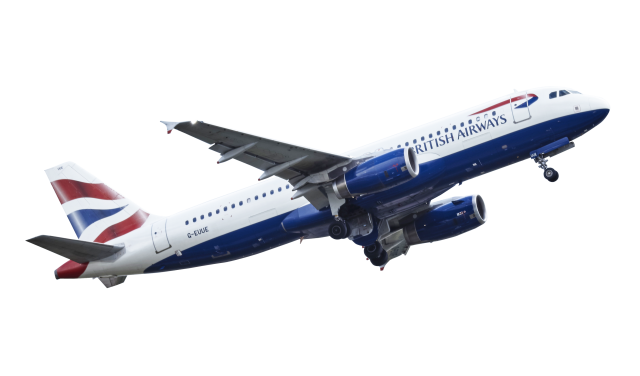
Scheduled jets from airlines around the world. Usually the fullest detail.
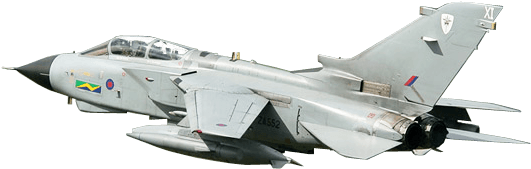
When they choose to be seen. Many stay quiet.
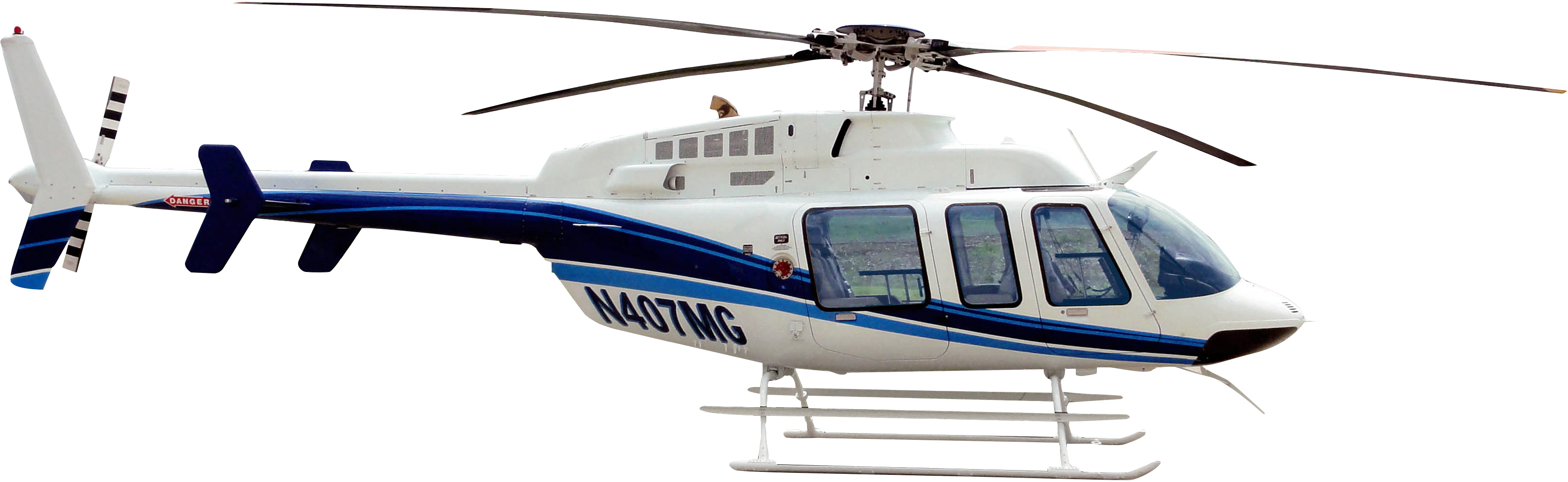
Emergency, transport and private. Its own switch.
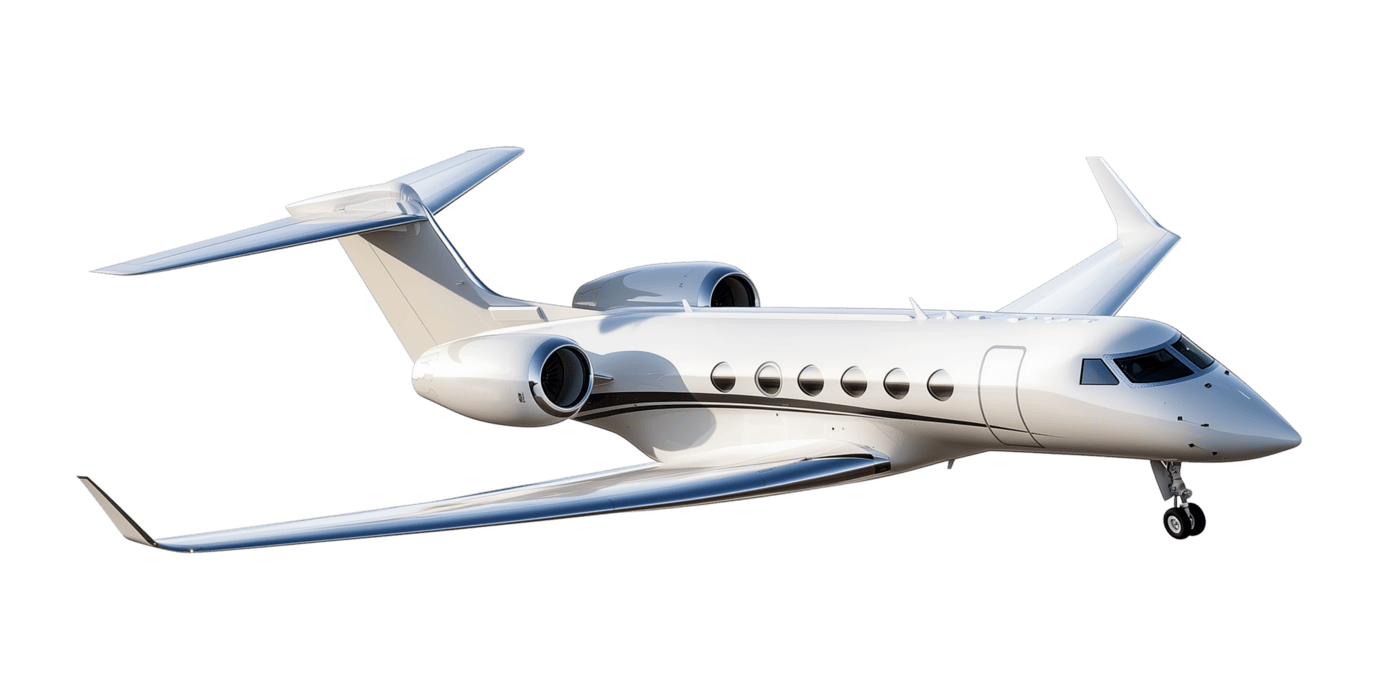
Business aircraft. Detail varies with what they send.
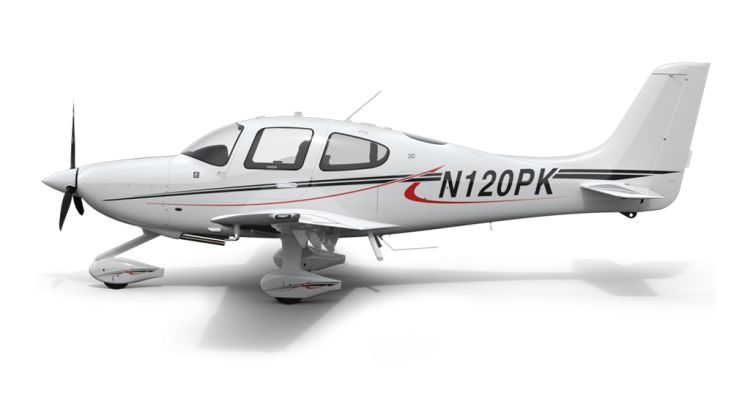
Smaller general aviation. Some older ones never got the radio.
Setup
Match the view to the window you actually look out of. Under a flight path, aim it at those routes. Change it later from the dashboard, or from the screen on Mini, Horizon and Altitude.

Setting which way you face
What you see
An example of a commercial flight in the window. Airliners usually bring the route and the airline. Some military and private aircraft only send a position. That is their choice.
Example · BA287
In the window
Aircraft
Boeing 737-800
Registration
G-EUOB
United Kingdom
Airline
British Airways
BA
Flight
BA287
LHR to JFK
Altitude
34,000 ft
Cruising
Speed
487 kts
901 km/h
Heading
285°
West
Distance
12.4 km
From you
From the window
245°
Look that way
The detail
Not every flight sends every line. Commercial flights usually do. The screen shows what that aircraft actually sent, then fills in the airline, the type and the photo when it can.
Before you decide
You set where you are, which way you face, and how far to look, once. FlightAbove keeps the aircraft inside that view and leaves the rest off the screen.
It is the name for a plane reporting its own position, instead of waiting for radar to find it. FlightAbove uses that live picture. The fuller explanation is on How aircraft tracking works.
Yes. Distance, height range and the viewing arc are edited in the FlightAbove dashboard, in any browser. On Mini, Horizon and Altitude you can also set them from the screen. Living under a flight path, you can aim the view at those routes.
The name, the type, where it is, how it is flying, and the route when the aircraft sends them. Commercial flights usually show the most. Military and some private aircraft may only show a basic position. That is the aircraft choosing what to send.
Yes. If aircraft are flying over you and announcing themselves, they can appear. Coverage is fullest over Europe and North America. Produced in the United Kingdom is about the hardware, not a limit on the sky.
Not on the hardware. Mini, Horizon, Altitude and Connect are one-time purchases with live data included. Cloud is the optional browser page if you already have a screen, from £3.99/month.
Produced in the United Kingdom. Allow 5 to 7 business days before dispatch, then courier transit.
Once, in the FlightAbove dashboard. Say where the display sits, which way you look out, and how far to include. Mini, Horizon and Altitude can also be set from the screen. Connect uses the dashboard. Connect is a Raspberry Pi 4 with FlightAbove already on it.
Yes. Commercial, private, military and helicopter each have their own switch. You can also set a height line, a cooldown so the same aircraft does not light the screen on every pass, and Active Hours so detection only runs when you want it.
On the desk
Leave it on. Produced in the United Kingdom. Hardware paid for once.
From £99.00 one-time on hardware