
Automatic
No tapping, no extra login on the screen. Every detected aircraft is recorded the moment the display spots it.
Built-in logbook
FlightLog is the built-in aircraft log for every FlightAbove. It records each aircraft a display detects, automatically, from the moment the device is switched on.
The display names what is overhead. FlightLog keeps the ones you missed while cooking, working, or asleep. Same software on Mini, Horizon, Altitude, Connect and Cloud.
The log writing itself
Example entries. A real log uses your own detections.
Auto
Every detection logged
From the moment a display is on
7+
Time filters
Last hour through a custom range
14
Achievements
Unlock milestones as you spot
Any
Past month
History back to the first link
The log that writes itself
Open it in the FlightAbove web app. Totals, achievements, cards, charts, and an optional community feed if you want to share. It also makes a grounded gift for someone who already looks up. See the gift page.
No tapping, no extra login on the screen. Every detected aircraft is recorded the moment the display spots it.
The log grows continuously. Owners can browse back to any past month and see what flew over.
More than one FlightAbove feeds a single combined log, with a per-device breakdown underneath.
Whenever a FlightAbove picks up an aircraft overhead, it adds an entry to that display's FlightLog. The figures below are an example of the period view, not a live account.
Time range: last hour through custom dates
Unique aircraft, last 30 days
214
spotted in this period
1,847 total detections across 2 devices (example)
Personal best
58
in a single day
12 Jun 2026 (example)
3
Last Hour
12
Today
58
Last 7d
214
Last 30d
4,201
All Time
Leave the display on
A FlightAbove detects aircraft overhead from the moment it is switched on.
FlightLog writes the entry
Every detected aircraft is recorded automatically. There is no tapping and no separate app.
Open the web app
Totals, achievements, cards, charts and the route globe are in the FlightAbove web app in any browser.
Achievements
FlightLog includes 14 achievements. As totals climb and patterns show up (streaks, rare types, milestone counts), badges unlock automatically. Each locked badge shows how close the next unlock is, and a bar shows how much of the set is complete. New achievements are added as FlightAbove grows.
Achievements
9 of 14 unlocked (example)
First Spotter
Getting Started
Avid Spotter
Century Club
Super Spotter
Legend
Airline Explorer
Busy Day
Record Day
10× Boeing
10× Airbus
5× Helicopters
5× Military
5× A350
Hover a badge for the unlock condition
Flight log
Each registration appears on its own card. Sort by most frequent, most recent, or rarest, then page through the list. Rarity, counts for the selected period and all time, first seen date, and route tags follow the time range. These two cards are an example.
Aircraft in this log
124 unique aircraft logged, last year (example)
G-VDOT
14 May 2026, 08:12
Operated by VIRGIN ATLANTIC
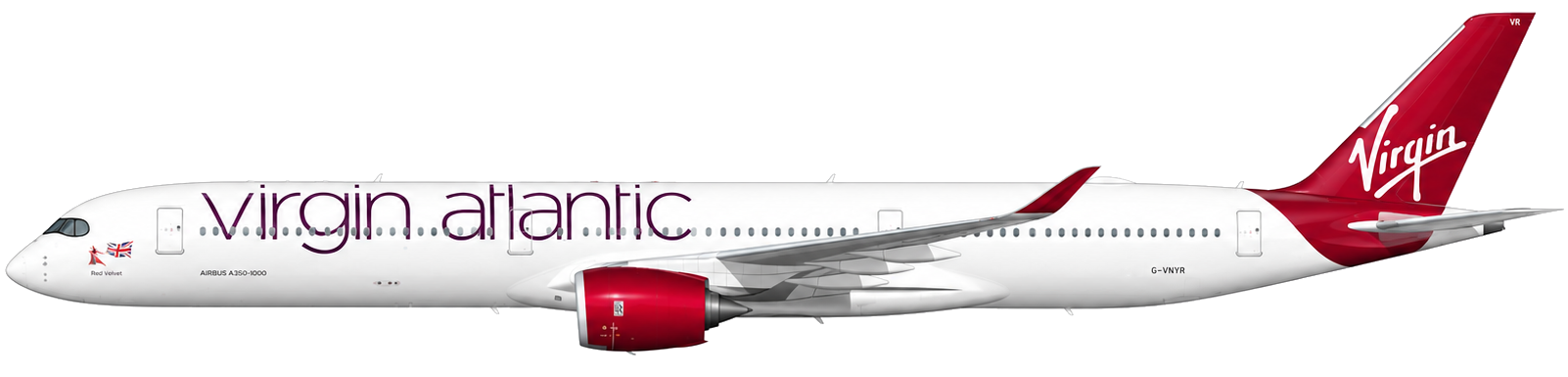
Seen on 2 routes
G-TTNA
11 May 2026, 19:40
Operated by BRITISH AIRWAYS
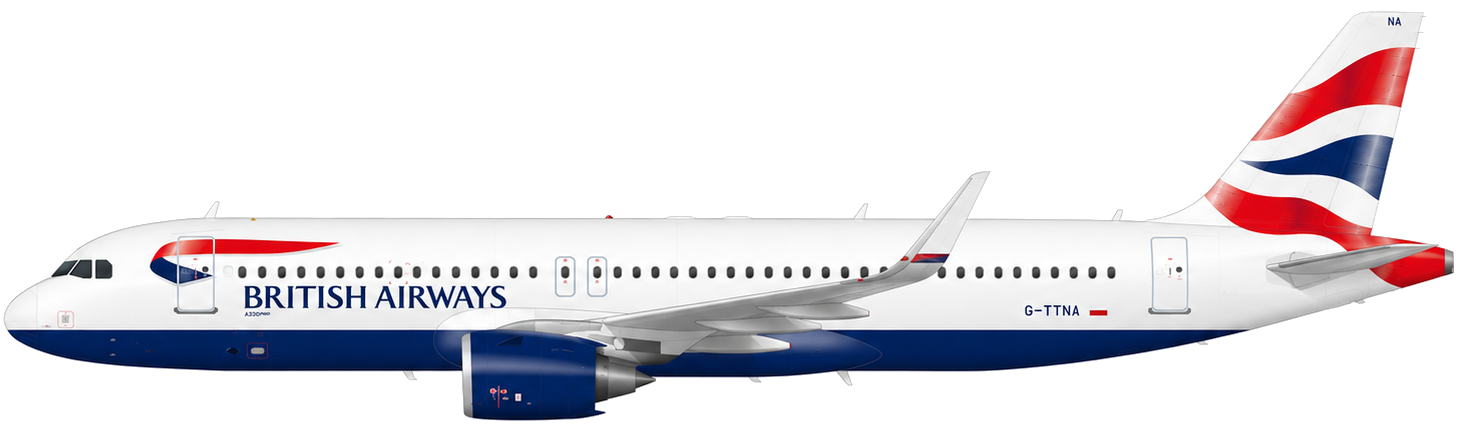
Seen on 2 routes
Example layout. In a real account the list is paginated, and each card can open photos and more detail.
Charts and geography
An activity timeline, an aircraft-type breakdown, ranked departure and arrival airports, and an interactive globe of the busiest routes. Each panel follows the time range. The numbers here are a sample.
Activity timeline
Example data, last 30 days
Aircraft types
Share of sightings (example)
511
sightings
Top origins
Where spotted aircraft departed (example)
Top destinations
Where they were headed (example)
Route globe
Drag to rotate, scroll to zoom, and click a route to focus. Sample routes below.
7 routes
Route arcs use real airport coordinates. With a signed-in account, the same panels use the period you choose.
The default view uses a rolling period. Owners can also jump to any month. Stats, lists and breakdowns recalculate for that window. History reaches back to when each device was first linked to an account.
January 2026
One in the office and one at home, for example, both feed a combined FlightLog. A per-device breakdown sits under the aggregate so you can compare them. Example counts:
Community FlightLogs
Opt in from your account and anonymous sightings join the public feed. The gallery shows what opted-in displays are picking up. Only the registration, type, route and timestamp are shared. No location, no device information, nothing personal.
Community FlightLogs: live feed
The facts
Before you decide
The built-in aircraft log for every FlightAbove. Each time a display detects an aircraft overhead, it adds an entry automatically. Over time that becomes a searchable history of traffic above that location.
No. There is no tapping and no separate app. Every detected aircraft is recorded the moment the display spots it.
In the FlightAbove web app in any browser. Totals, achievements, cards, charts and the route globe all live there.
Time ranges from the last hour through today, yesterday, last 7 days, last 30 days, last year, or a custom date range. You can also jump to any past month.
Registration, airline, type, a profile photo when one is available, rarity, sighting counts for the selected period and all time, first logged date, and route tags.
An optional public feed. Opt in from your account. Only registration, type, route and timestamp are shared. No location, no device information, nothing personal. Off by default.
Yes. If you have more than one FlightAbove, sightings feed a combined log, with a per-device breakdown underneath.
Yes. Mini, Horizon, Altitude and Connect are one-time purchases and include FlightLog. Cloud is the optional browser subscription, from £3.99/month, if you already have a screen.
Still curious? Ask us · Community FlightLogs
Every flight, remembered
Totals, personal bests, achievements, cards, photos, routes, and optional Community FlightLogs. Mini, Horizon or Altitude on the desk. Connect is a Raspberry Pi 4 for a screen you already own. Cloud in a browser.
From £99.00 one-time on hardware