Skip to content

From the plane to your desk

How aircraft tracking works. From the plane to your desk.

How aircraft tracking works is simpler than the jargon makes it sound. The plane tells everyone where it is. People on the ground listen. FlightAbove puts the ones over your house on a screen you can leave running.

You see the flight name, the type of plane, a photo, the route, how high and how fast. The route is looked up, not broadcast: where a flight route comes from. A clock and the weather when nothing is overhead. You set it once, then you glance.

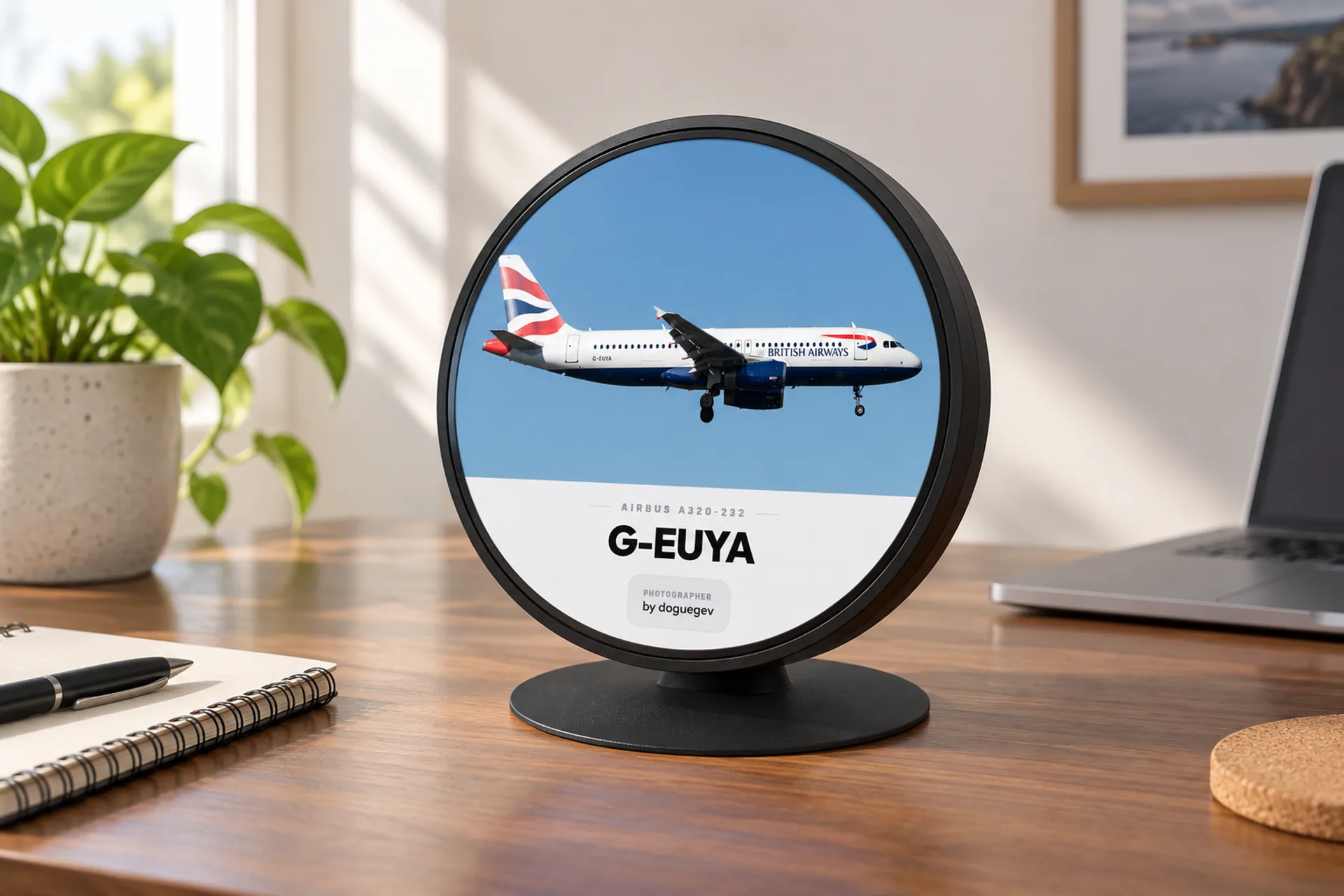
FlightAbove desk display showing how aircraft tracking works for the plane overhead
flight
  • The plane says where it is About twice a second
  • Someone nearby hears it No radio needed at home
  • Your desk shows the name Only your sky

The idea

Same sky as the apps. A screen you leave on.

The aircraft is already talking. Listeners pass it on. Networks tidy it up and give the plane a name. FlightAbove keeps the bit outside your window, so you can read it from the sofa. You are not hunting a map on a phone.

Twice

A second, the plane speaks

Your sky

Not the whole planet

Once

You set it, then leave it

UK

Produced in the United Kingdom

The path

From the plane to your display

Five steps. Every aircraft on the screen has come through all of them.

  1. 01

    The plane speaks

    Most airliners send out where they are, how high, how fast, and who they are. They do this about twice a second, without anyone asking. That announcement is called ADS-B.

  2. 02

    The message travels

    It is a radio signal. A plane at cruising height can be heard hundreds of kilometres away, as long as hills and buildings are not in the way.

  3. 03

    Someone on the ground listens

    People and companies with small radios, at home, at airports and on rooftops, pick the message up and pass it on. You do not need a radio of your own.

  4. 04

    The plane gets a name

    Tracking networks join the messages, drop the repeats, and add the airline, the route and a photo of that type of plane. Websites such as Flightradar24 use the same picture.

  5. 05

    Your screen keeps your sky

    FlightAbove uses where you live, which way you face, and how far you want to look. The display shows the aircraft you could actually hear, not a map of the whole world.

The name you will see

What is ADS-B, in one sentence?

The plane reports itself. Old radar shouts and waits for an echo. ADS-B is the aircraft talking: here I am, this high, this fast, this is who I am.

If you have seen 1090 MHz, that is only the radio channel they use. You never tune it. Since 2020, most airliners in the US and Europe have had to send this, which is why commercial flights show up so reliably.

Some small older planes never got the kit. Many military flights switch it off. That is a choice by the aircraft, not a gap in your display.

The useful bits

How often
About twice a second, so the spot on the screen stays close to the real plane.
How far
A plane at cruising height can be heard hundreds of kilometres away, when nothing is in the way.
Who sends it
Most airliners, and many smaller aircraft.
Who might not
Older light aircraft, and a lot of military flights.
What you do
Nothing. The plane talks. The screen listens for your patch of sky.

What you actually see

The same live sky, four looks

FlightAbove is not a map you poke at. It is a screen you leave on. Change the look whenever you like, from the screen on Mini, Horizon and Altitude, or from the dashboard on every model.

FlightAbove showing a photo of the aircraft type while explaining how aircraft tracking works

The full story

Name, photo, route

The type you can hear, with a photograph of that type, the time left, and the numbers you can read from across the room.

FlightAbove Mini showing the aircraft around the house on a simple radar

Your patch

A simple radar of your sky

The aircraft in the area you chose. Not a map of the planet. The patch outside your window.

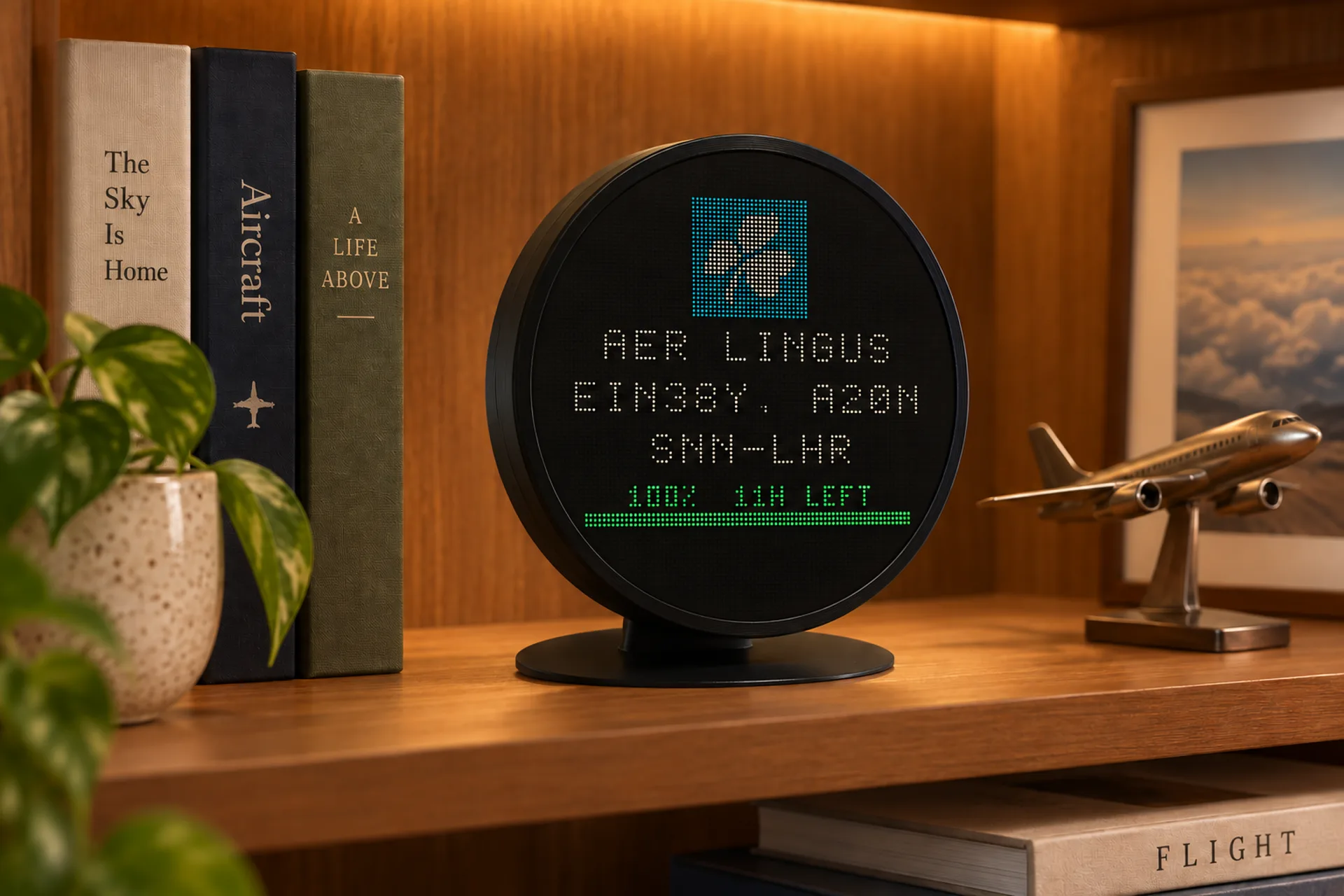
FlightAbove departure-board look with airline, flight name and distance left

The board

A departure board, included

Airline, flight name, type, distance left. A look you switch on, not a second thing you buy. You can also follow one flight.

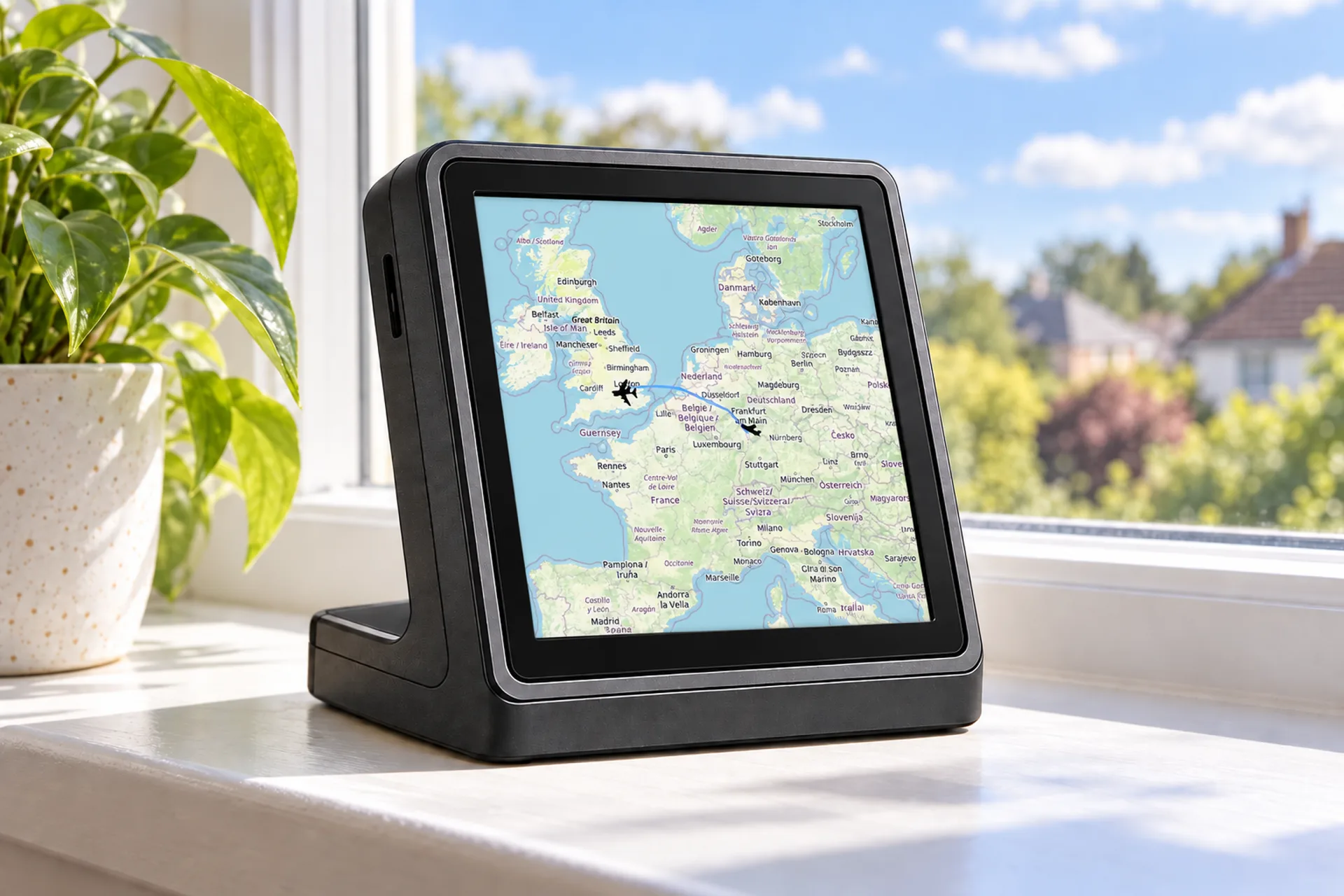
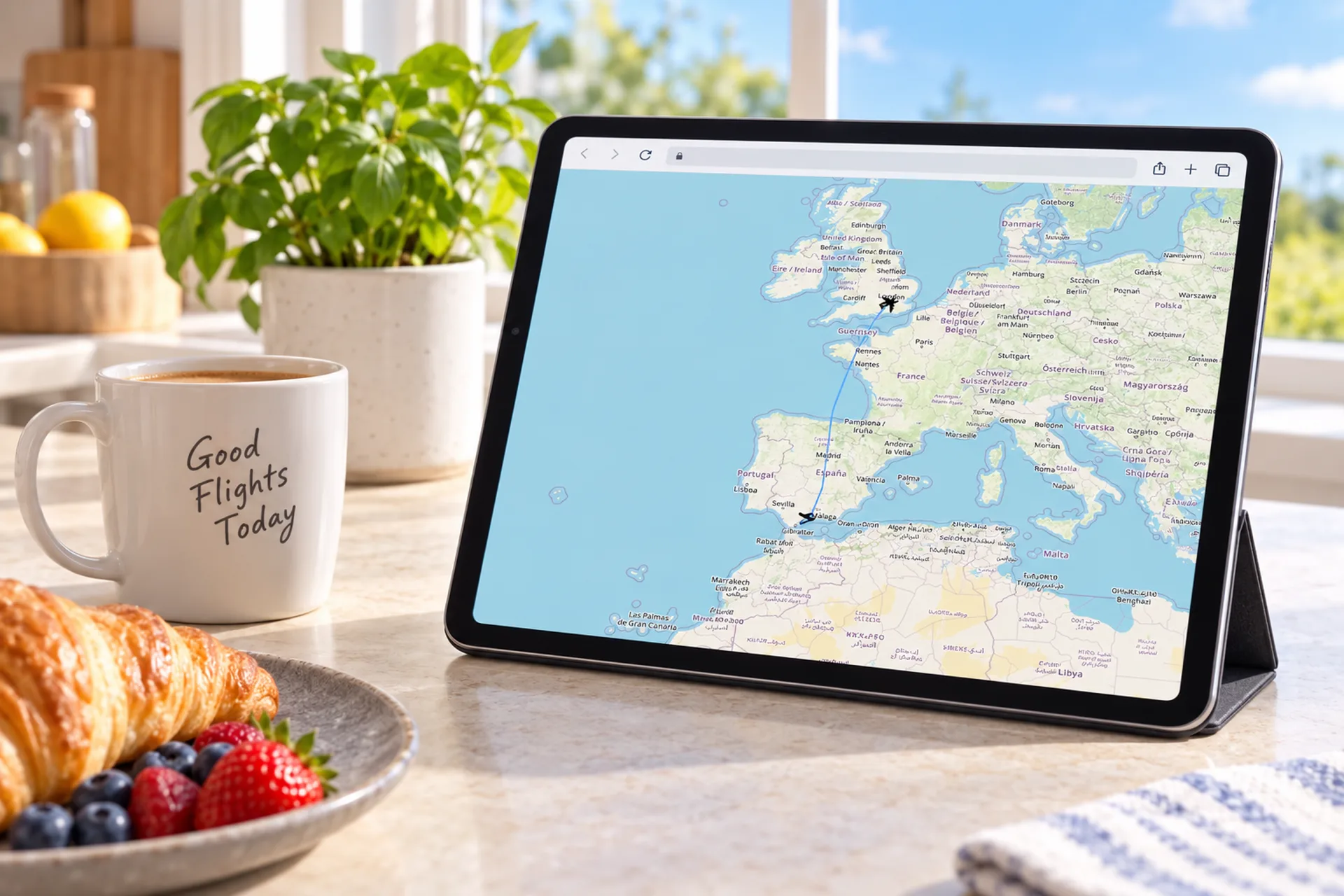
FlightAbove Cloud on a tablet showing the track of aircraft over Europe

The map

Where it has been

The same picture on Cloud, Mini, Horizon, Altitude or Connect. A page in the browser, or a screen that stays on.

The departure-board look · Faces and styles · FlightLog

Your window

From the whole world to your house

You tell it three things, once. After that it looks after itself. The screen updates as aircraft come into view and leave again.

home_pin

Where you are

The place the display actually sits. That is the centre of the picture.

explore

Which way you face

The direction of the window or the garden. FlightAbove keeps the view in front of you.

straighten

How far to look

Wider catches more traffic. Narrower keeps it to what is almost overhead.

More on the aircraft outside the window: what flies over you, and what planes overhead actually are.

A phone, or the desk

A map you open, or a display you leave on

The information
The same sky as the big tracking websites
What you see
The aircraft around your home, not a map of the planet
How you use it
Leave it on. No unlocking a phone.
What you set
Where you are, which way you face, how far to look. Once.
The cost
Hardware paid once. Live updates included.
Already have a screen
Cloud is a web page that is yours, from £3.99/month

Follow a specific flight · Compare Mini, Horizon, Altitude and Connect · Cloud

Before you decide

Questions about aircraft tracking

How does aircraft tracking work?

Most planes announce their own position, height, speed and identity, about twice a second. People on the ground listen and pass those messages to tracking networks. FlightAbove takes that picture and shows the aircraft over your house.

What is ADS-B?

It is the name for a plane reporting its own position, instead of waiting for radar to find it. The letters stand for Automatic Dependent Surveillance-Broadcast. You do not need to remember them to use the display.

How are planes tracked in real time?

The plane keeps saying where it is. Listeners on the ground pass that along, and the map or the display updates. Nobody has to ask the aircraft.

Do all planes show up?

Most airliners do. Some older or very small aircraft do not send a signal. A lot of military flights stay quiet on purpose, which is why they can vanish from public maps.

How is FlightAbove different from a tracking website?

It uses the same sky. A website is a map you open on a phone. FlightAbove is a screen you leave on, showing the aircraft around your home so you can read them from across the room.

Can I track military aircraft?

Only when they choose to be seen. Many do not. Everyday airline traffic is where the picture is fullest.

What if I live somewhere quiet?

Coverage is strongest over Europe and North America, and it reaches most places people live. If aircraft fly over you, they will almost always appear.

Does FlightAbove only work in the UK?

No. Tracking works almost anywhere planes are announcing themselves. The United Kingdom line is where Mini, Altitude and Connect are produced.

How do I tell it where I live?

Once, in your FlightAbove dashboard on the web. Say where the display sits, which way you look out, and how far to include. Mini, Horizon and Altitude can also be set from the screen. Connect uses the dashboard.

What does FlightAbove actually show?

The flight name, the tail number, the airline, the type of plane, a photo of that type, the route, how high and how fast. A clock and the weather when the sky is quiet. A departure-board look if you want it. FlightLog, in the dashboard, keeps a note of what went over.

Which FlightAbove do I need?

Mini is a 4 inch square screen, visual only. Horizon is a 7 inch widescreen with its desk display included. Altitude is a 5 inch round screen with sound. Connect is a Raspberry Pi 4 with FlightAbove already on it, for a TV or monitor you already own. Cloud is the same software in a browser, from £3.99/month. Hardware is paid once.

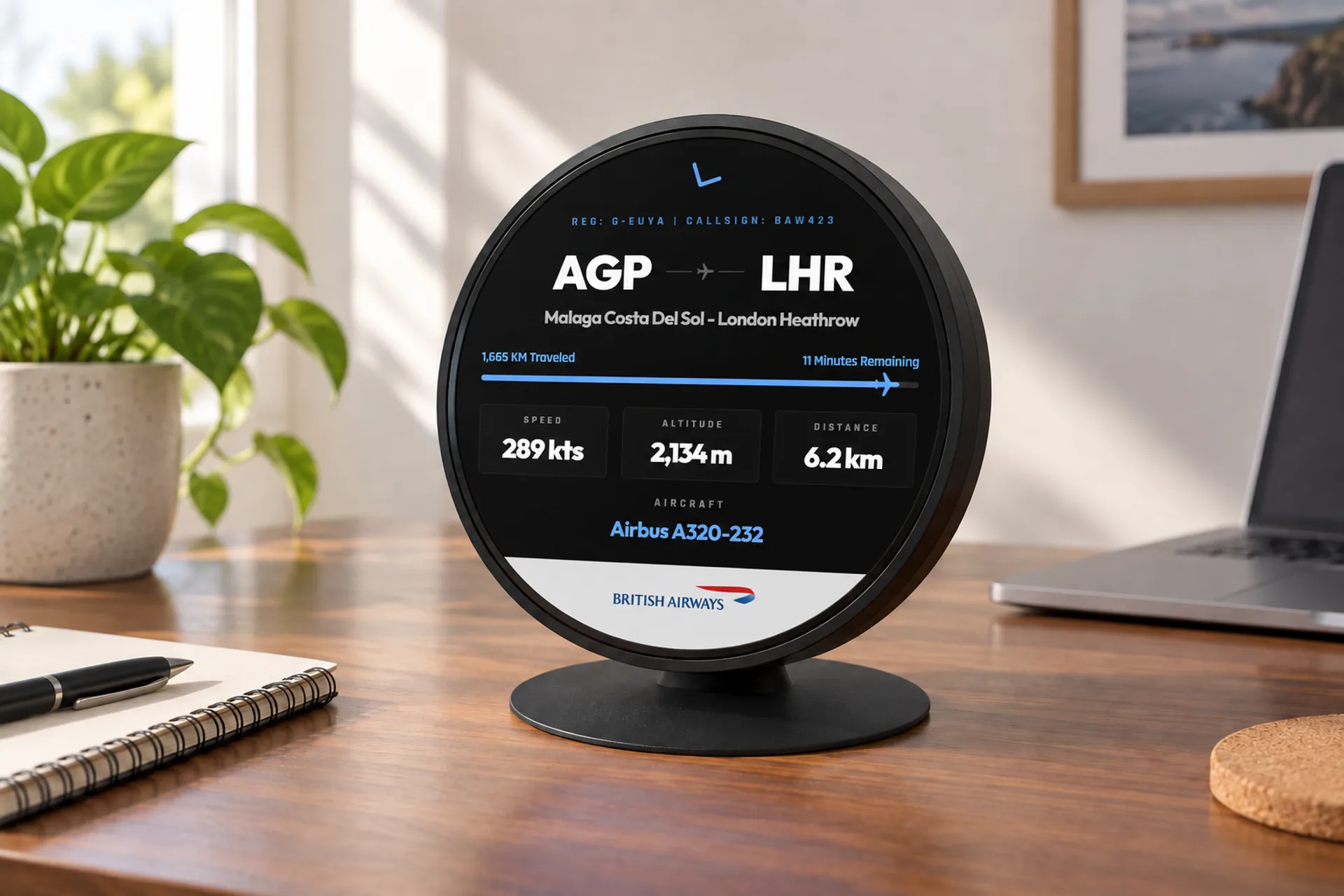
On your desk

The plane overhead, with a name.

Leave it on. Produced in the United Kingdom. Hardware paid for once.

From £99.00 one-time on hardware